Urooj Niazi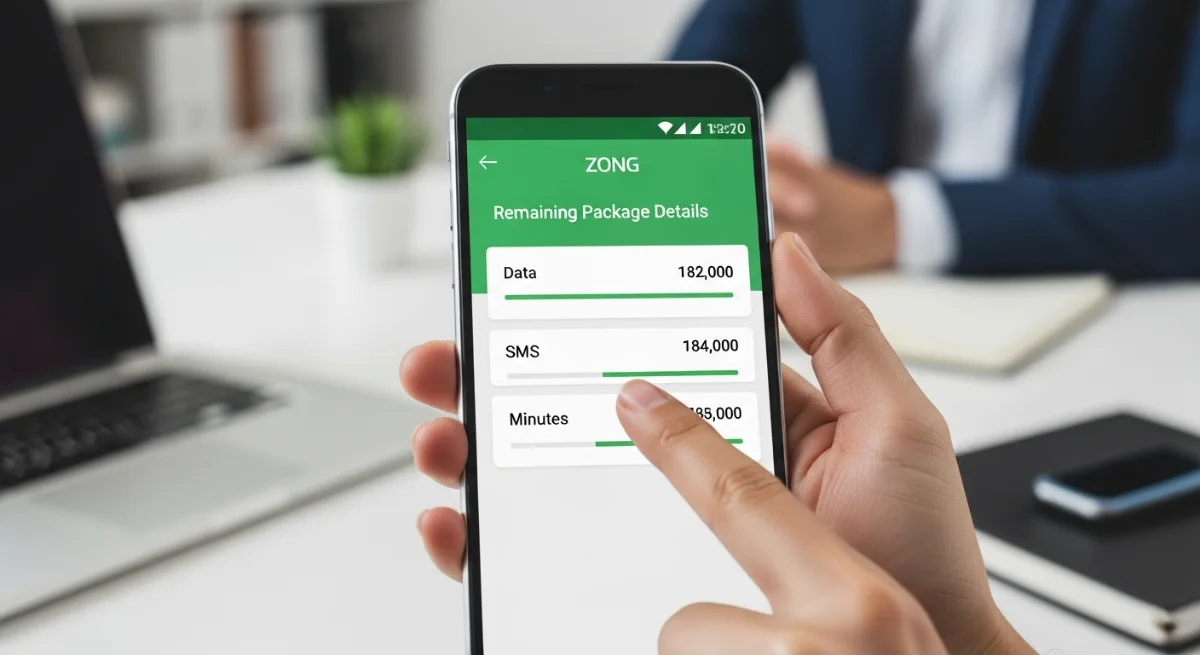
This is because knowledge on how to access Zong remaining package details is invaluable in keeping you current on your data, minutes, and SMS usage as more and more people in Pakistan are becoming dependent on the mobile internet. Regardless of whether your SIM is prepaid or postpaid, or whether you have a Zong MBB device or not, the network provides several convenient methods on how to track the resources left. Where there is the USSD codes such as code 6464#, code 102#, to the easy-to-use My Zong App and the MBB device portal, all these are meant to keep you updated at all times. This manual will help you to check on Zong remaining package via all other possible means so that you can use it in a smart way.
How to Check Zong Remaining Package Through My Zong App
The My Zong App is the most secure and convenient way of monitoring your Zong usage. It offers real time data, minutes and SMS statistics. After downloading the application on the Google Play store or Apple App Store, you log in using your Zong number and can immediately see what you have in terms of resources. You are also able to manage your main balance, current packages, expiry date, and suggested deals. To a large number of users in Pakistan, the application is the fastest option in the event that one is looking at how to check Zong remaining package without dialing any code.
How to Check Zong Remaining Package Using USSD Codes
Not wanting to use the app, Zong has a number of useful USSD codes:
1. 102# – Check Data Usage
Dial 102 to check the remaining mobile data. It might require a little fee on every request, and therefore it should be used sparingly.
This is a fast way that many Pakistanis would like to use as one of the ways of checking Zong remaining package on the go.
2. 6464# – Bundle Details
You can also check the remaining incentives in different bundles any of which you are activated by dialing: *6464563643.
It shows information, minutes, SMS and validity of packages based on your active offer.
3. 222# – Check Balance
Dial star 222 to check your main balance. Even though it does not display package information, it is commonly utilized alongside other codes.
How to Check Zong Remaining Package on MBB Devices
In the case of Mobile Broadband (MBB) or Zong devices such as Bolt and Bolt+, you are also able to view the remaining resources easily.
1. My Zong App for MBB
Your MBB device can be connected to the My Zong App by entering your “Master Number. After the relationship, you are able to see your MBB internet usage, expiry and your bundle status.
2. MBB Web Portal (192.168.8.1)
Select Wi-Fi of your device and type 192.168.8.1 in your browser.
In this portal, all details concerning the use of data, the renewal of the bundle, SMS, and account sources are provided.
This is highly helpful to the users who require how to check Zong remaining package exclusively to MBB devices.
3. USSD 6767# (From Master Number)
Check your MBB account by dialing on the Master Number that is attached to your MBB device: Dial *6767#. This involves checking up the remaining internet, recharging and subscribing to new bundles.
How to Check Zong Remaining Package for Specific Bundles
Direct bundle-based checking is also enabled by Zong should you know your package code. For example:
- Dial, 6001 as a check of Monthly Social Plus remaining resources.
In addition, this serves as a trustworthy method according to the instructions on how to check Zong remaining package for the customers with individual plans.