Ali Raza Khan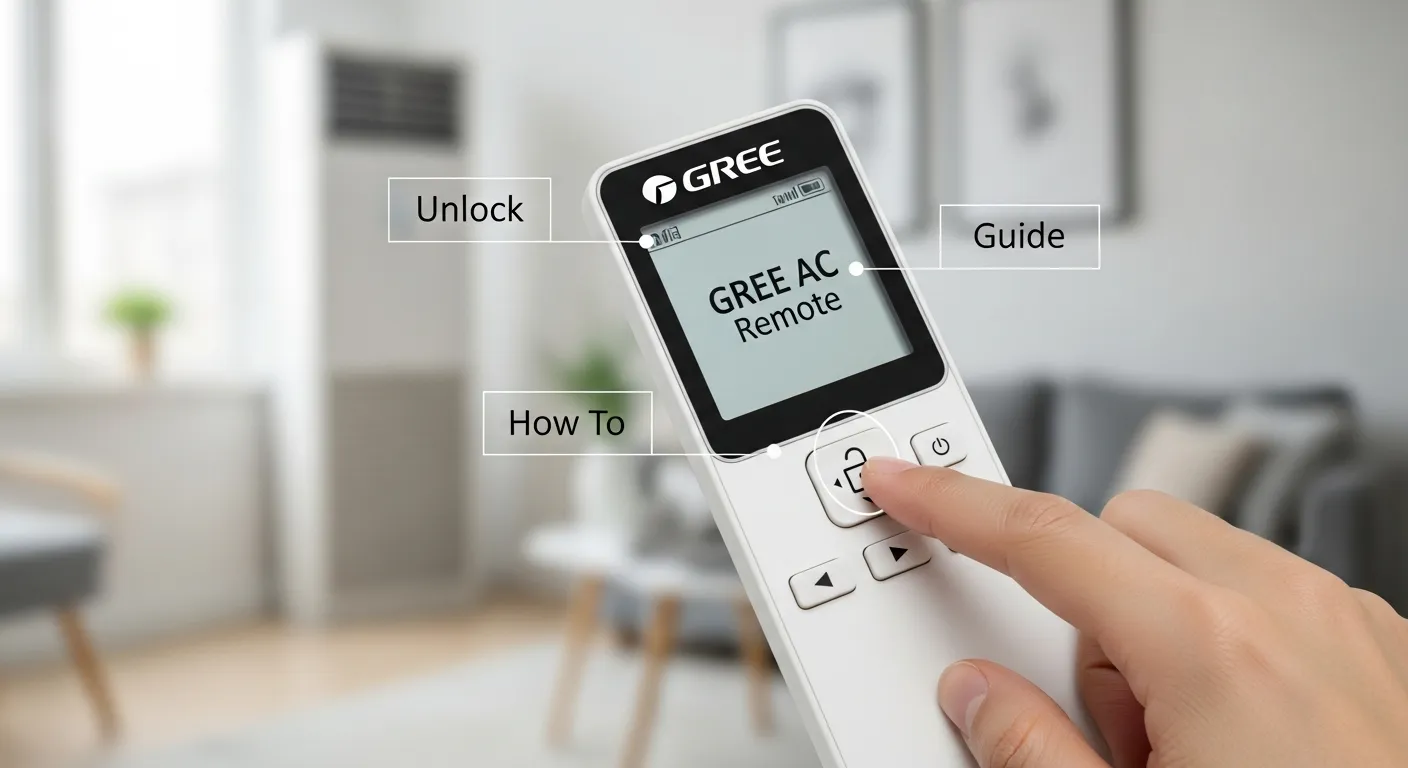
Unlock the Gree AC Remote
When your air conditioner suddenly fails to respond, the most common query most users execute at the initial moment is how to unlock Gree AC remote. It is annoying to have a locked remote and to have to change the temperature or switch modes in extreme weather. Gree ACs have a privacy lock feature that is built in and does not allow changes to settings to be unintentionally changed, which is what most users do. Here you will find out how to operate the easy unlock of the Gree AC remote through basic procedures, the troubleshooting of common problems, and how the privacy lock on the various models of Gree works. This paper provides you with a clear-cut and practical solution.
Knowing the Privacy Lock in the Gree Remotes
Gree AC systems come fitted with a smart privacy lock that prevents your AC settings from being changed accidentally or unintentionally. This comes in handy either at home where children are or at the workplace where there is a lot of work, or even in a rented room. When the lock is switched on, all the buttons on the remote cease to work, and a lock icon appears on the screen.
Why the Privacy Lock Matters
- It secures your choice of temperature and cooling system.
- Inhibits children or visitors from using the AC controls.
- Helps keep the premises cool and minimizes energy wastage.
There is also some modern Gree AC which can connect to WiFi, so users can unlock the privacy lock or activate it using a smartphone application, which is an added convenience.
How To Unlock Gree AC Remote (Step-by-step Guide).
In case you are asking yourself how to unlock the Gree AC remote, then take these few easy steps:
- Find the Lock Key or Button Combination: The vast majority of Gree remotes contain a dedicated lock/unlock button or some other combination, such as Mode + Power.
- Press and hold the Buttons that are necessary: Press the lock button (or the button combination) for a few seconds.
- Wait till the Lock Symbol disappears: The padlock icon will be removed from the screen, and then the remote will be opened.
- Release the Buttons: Relax when the screen reveals normal settings.
- Test the Remote: Turn on basic attributes such as temperature rise/fall or switch modes to ensure that your Gree AC remote is activated.
These steps will help you fix the problem in a short period of time, without the need to be a technical expert.
Common Unlock Gree AC Remote Problems Troubleshooting
1. Check Privacy Lock Status
You can always look before you leap by ensuring that the privacy lock is on. When you have a small lock symbol, it does mean that your remote is locked.
2. Provide correct Signal Transmission
Ensure that there are no objects that interfere with the signal line between the remote and the indoor AC unit. Also, maintain a straight view and keep within the range of 20-26 ft.
3. Troubleshooting Display or Battery Problems
In case of blurry, dim, and blank screens, then your batteries might be weak. Change them and reset the remote (where necessary). Remote malfunctions are usually caused by low batteries.
FAQs
1. How do I unlock Gree AC remote control?
Most Gree AC remotes have a lock feature to prevent accidental changes. To unlock, press and hold the “Lock” or “Key” button for 3–5 seconds until the lock icon disappears from the display.
2. What does the lock icon on the Gree remote mean?
The lock icon indicates that the remote buttons are disabled to prevent accidental operation. When locked, you cannot change the temperature, mode, or fan settings.
3. Can the Gree AC remote lock automatically?
Yes, some Gree remotes have an auto-lock feature that activates after a period of inactivity. You can unlock it manually by pressing the lock button again.
4. What if my Gree AC remote doesn’t unlock?
If the remote doesn’t unlock, try replacing the batteries, or perform a reset by removing the batteries for 10 seconds. Also, ensure you are pressing the correct lock/unlock button
5. Is it possible to use the Gree AC without the remote when it’s locked?
Some Gree AC models allow limited operation using the manual control buttons on the indoor unit. However, full functionality typically requires unlocking the remote.