Urooj Niazi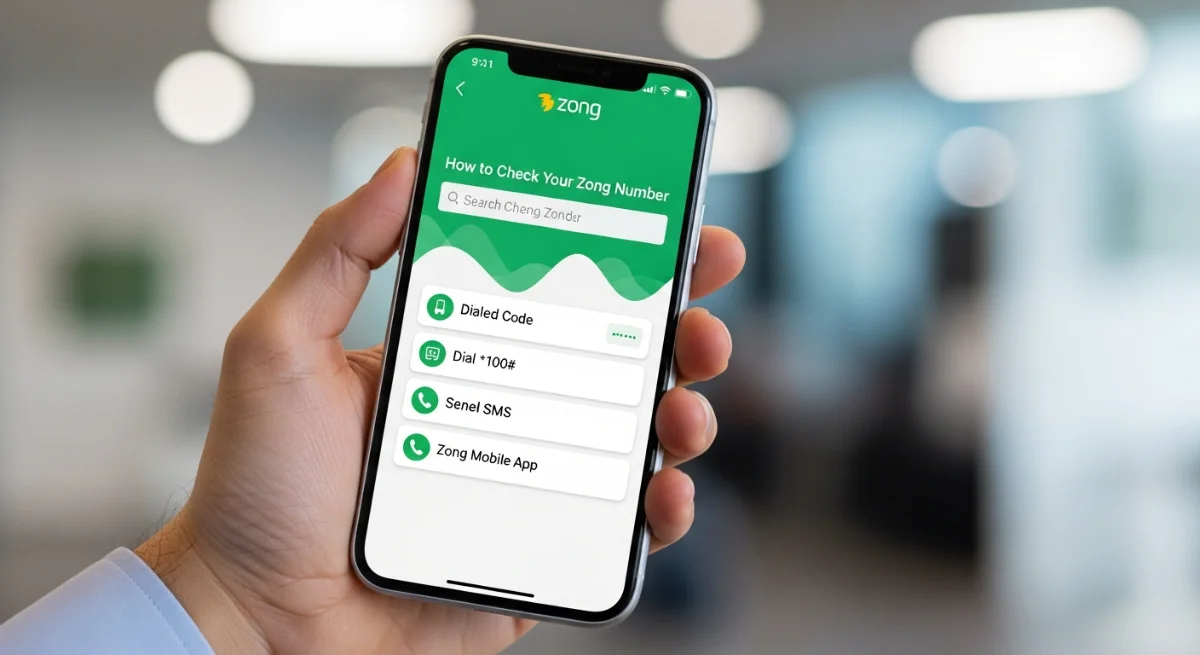
It is important to know how to check your Zong number when inserting a new one, changing devices, and even when you lose your Zong number. This is a common problem among many Zong customers in Pakistan, however, the best thing is that Zong has several simple methods of accessing your number in real time. You are free to choose which one to use, but either phone settings, My Zong App, or a simple USSD code are a combination of easy and user-friendly. Here, you will get to know about the process of checking your Zong number in the following guide. The techniques operate on prepaid and postpaid SIMs and do not need any balance.
How to Check Your Zong Number Using Phone Settings
The easiest way of knowing how to check your Zong number is by going under your mobile phone settings. The technique will operate on Android and iPhone phones with no balance or internet requirement.
For Android Users
Android users of Pakistani phone can follow the steps:
- Open Settings
- Go to About Phone
- Tap Status or SIM Manager
- Sim Card Information will contain your Zong number.
Similar to most Android phones, Samsung, vivo, Infinix, Realme, and Oppo display SIM number in the same location.
For iPhone Users
When using an iPhone in Pakistan, then proceed in the following way:
- Go to Settings
- Tap Phone
- Your Number shall be between My Number and My Name.
This is among the surest methods when knowing how to check your Zong number without using any dial up code.
How to Check Your Zong Number Using the My Zong App
The My Zong App is a practical and official way of handling your SIM. This application is ideal in case you prefer an online and fast answer.
Steps to Follow:
- Install the My Zong App in the Play Store or App Store.
- Swipe and enter the application (it recognizes the numbers automatically).
- On the main dashboard, you will see your Zong number.
The approach can particularly be of benefit to Pakistani users who also wish to monitor packages, balance, and bundles at the same time they learn how to check your Zong number with ease.
How to Check Your Zong Number Using a USSD Code
The most popular way of verifying SIM numbers in Pakistan is a USSD code. Even though various codes can be suitable to various users, Zong normally offers codes which will reveal your number immediately on the screen.
How to Use the Method:
- Check your number by dialing the USSD code that is dialed Zong specific.
- The pop-up message containing your SIM number will appear.
- In case of the failure of the code, go to the official Zong site or call the Zong helpline
This is the quickest process in discovering how to verify your Zong number particularly when you do not have to wander through the mobile phone settings or applications.