Urooj Niazi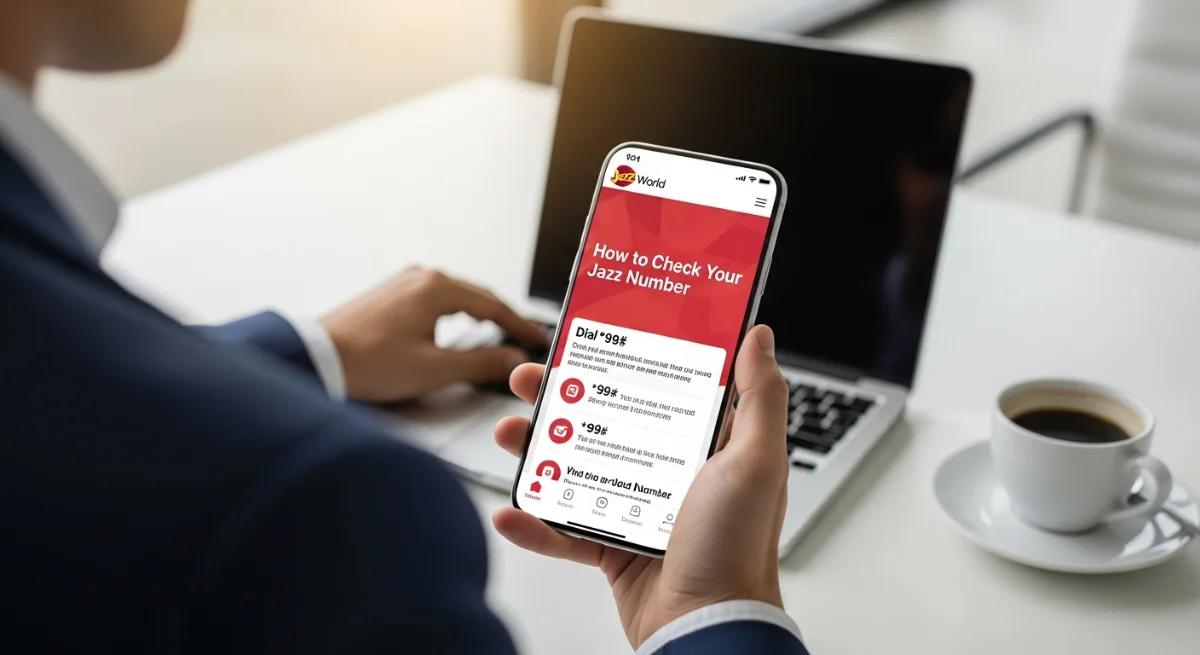
And when you have just purchased a new Jazz SIM or have lost your mobile number, then it becomes necessary to know how to check my Jazz number very fast. Jazz has provided several easy methods of retrieving your number in seconds in Pakistan; they include options to use USSD code, phone settings, Jazz World application or call customer care. The simplest and best used is dialing a short code which immediately shows your number on the screen. This manual contains all the working procedures in easy to understand steps in order to enable any Jazz user to locate his or her number without any inconvenience. You can be on a smartphone using the keypad mobile, but in any case, this article has you covered.
Table of Contents
Quick USSD Codes to Check Your Jazz Number
USSD codes are one of the fastest ways by which I can check my Jazz number. These codes are applicable in any phone without the internet.
*1. Using 99# Code
- Open your phone’s Dialer.
- Press the dial key in number 99 and call button.
- Your Jazz number will immediately be on the screen.
It is the commonest and trusted method in Pakistan.
*2. Using 780# Code
Some users also find *780# helpful.
- Dial *780#
- Your identifier will appear on your gadget.
There is no charge to either of the codes and they operate on active Jazz SIMs.
Check Jazz Number Through Phone Settings
In case the USSD codes do not work, then still you can get to know how to check my Jazz number using your phone settings.
For Android Users
- Open Settings
- Access Connections or Network and Internet.
- Tap SIM Card Manager
- Select your Jazz SIM
- Beside the SIM slot will be written your Jazz number.
For iPhone Users
- Go to Settings
- Tap Phone
- Select My Number
- You will find your Jazz number in there.
This is a good way when your device is able to read SIM automatically.
Check Jazz Number Using the Jazz World App
The other credible alternative to the question on how to check my Jazz number is through jazz world app.
Steps
- Google Play Store or Apple App Store Download Jazz World.
- Open the app
- Log in (number can be automatically recognized)
- Your Jazz number shall be displayed on the Home Dashboard.
The application is also useful in checking balance, packages, usage and exclusive offers.
Other Working Methods to Check Jazz Number
On the other hand, in case you still cannot locate your number, use the simple options that have been used by millions of people in Pakistan.
1. Call a Friend or Family Member
- Call somebody who is close to you.
- Ask them to read the number that is displayed on their screen.
This is a fast offline system.
2. Jazz Helpline
It is always possible to contact Jazz customer support.
- Dial 111 from your Jazz SIM
- auto instructions or call representative.
- They will assist you in checking on my Jazz number.