Maria Imran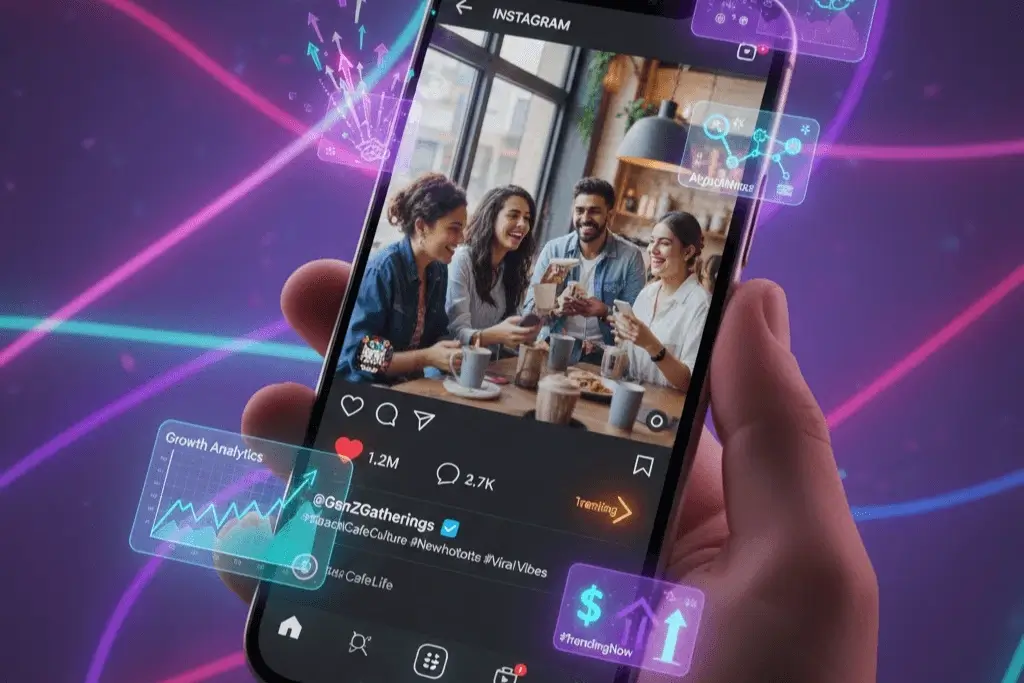
Knowing how to save Instagram videos on Android and iPhone makes it easier to keep useful tutorials, memorable clips and creative content for later viewing, and Instagram does offer a download option for some public Reels, but it’s not always enabled, depending on the creator’s settings and the type of content.
How To Save Instagram Videos On Android And Iphone
If you’re a smartphone user in Pakistan, the process can be simple on both Android and iOS. The built-in option is usually the easiest, but browser-based tools can provide an alternative if downloading is permitted.
How To Save Instagram Videos With The Built-In Feature
Eligible Reels downloads are available directly to a device through the Instagram app. The first step is to open the desired Reel, tap the share icon and see if the Download option appears in the options available.
When you have chosen a video, you can save it to your phone’s gallery or the Photos app depending on your device. If the option is missing, the creator might have disabled downloads or the content may not support the feature so you might have to find another way.
Download Videos Using Browser Extensions
Or you could try browser-based services like VideoDropper and Snapgram. These tools enable users to download content from eligible public Instagram links without installing another application, which is convenient for both Android and iPhone users.
It is: copy the link of a public video, open the downloader in a mobile browser, paste the link and select the download option. On Android, the file may show up in Downloads or Gallery, whereas iPhone users may need to save it via Safari’s download manager or the Files app before moving it to Photos.
Important Safety And Copyright Information
Before using third party downloaders, be sure to avoid suspicious websites, unwanted notifications and requests for Instagram login details. Downloading should only be permitted for content owned by the account holder or for which permission to save has been granted, and creators’ copyright and privacy rights should be respected.
For users across Pakistan, the built-in Instagram download feature remains a practical first choice where available. Another choice is browser tools. They may or may not be reliable, and may or may not respect your privacy. Choose carefully.
Discover More Smartphone Tips And Digital Guides
How Can Smartphones Scan Wi-Fi QR Codes?
Check out a simple guide to connecting Android and iPhone devices to Wi-Fi through QR codes.
Can WhatsApp Chats Move Between Phones?
Discover how chat transfers help users move conversations between Android phones and iPhones.
Will PTA Taxes Change For Smartphones?
Find the latest information on Pakistan’s smartphone taxes and the potential impact on device costs.
How Can PUBG Mobile Be Updated Easily?
Explore the steps for downloading PUBG Mobile updates on Android and iOS devices.
What Upgrades Could Improve The iPhone?
Read about the key upgrades that could make Apple’s premium iPhone models more appealing.