Ali Raza Khan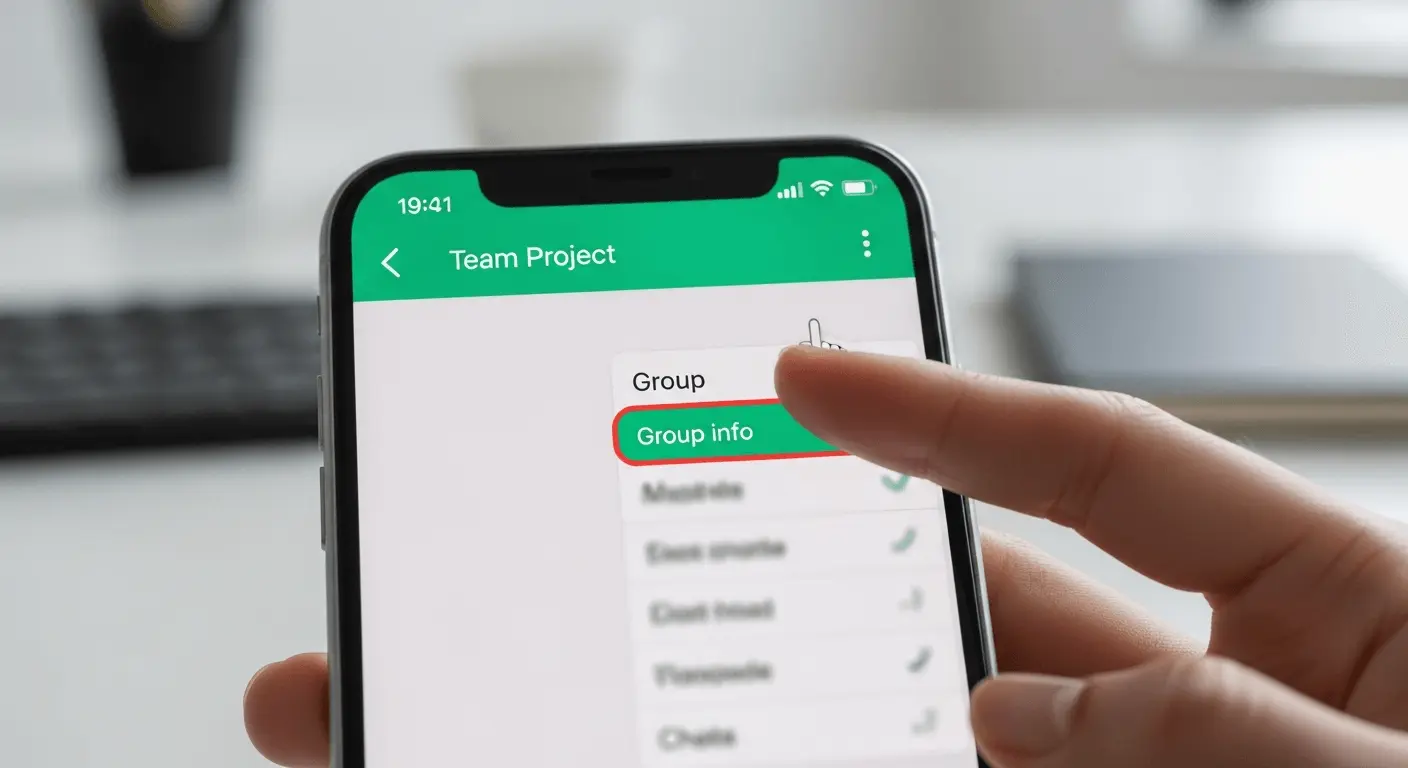
It is also essential to learn how to delete WhatsApp group chats when a group is not active, irrelevant, and is full of spam. There are actions that can be performed on WhatsApp, which depend on whether I am a group member or a group admin. Admins only can permanently delete a group on behalf of themselves after all the participants have been removed, and members can just leave it or delete it to their own chat list. In this guide, you will know how to properly delete WhatsApp group and what will happen after you do so, and what considerations should always be noted before doing so. This article describes all the actions in a very straightforward manner to ensure that you can freely handle your WhatsApp groups and prevent the usual pitfalls.
How to Delete WhatsApp Group as an Admin
When you are an admin, you can do whatever you want in the group. In order to totally destroy a group you must eliminate members first individually. Tap the group name at the top in the group chat and then tap Group Info. There, choose the name of each participant and then tap on it, then choose the option of removing it. Go on with it until only you remains.
After removing all the members, scroll down and tap Exit Group. Once out, there will be a new feature inside WhatsApp, which is Delete Group. Check it and prove it to be done. This is the formal method in which deleting WhatsApp group as an administrator permanently appears in your chat list is possible.
How to Delete WhatsApp Group as a Member
Unless you are an admin, you will not be able to delete the group on behalf of everyone. You can, however, delete it on your personal messages. Click on the group, tap on the name of the group, and then click on Exit Group. Once out of it, select the option of “Exit and delete on my behalf” in order to remove it off your chat list.
Alternatively, you may swipe left in the group chat, tap on More, and delete group. Such an approach solely has an impact on your device. Learning how to delete WhatsApp group as a member can allow you to have your chat list in order without affecting any other user.
What Happens After Deleting a WhatsApp Group
In case an admin is removing a group, he/she will not see it in his/her chat list ever again. Other members will notice that the admin has moved out of the group, although he/she can still retain the group or delete it at their own individual level. Messages and chat history cannot be restored in case they are deleted and it is therefore important to make sure that one is sure before following steps on how to delete WhatsApp group.
Important Things to Remember
Deletion steps can only be controlled at their full extent by admins. It is permanent and there are chances of losing media files on your phone in the process. Being aware of the correct way of deleting WhatsApp group is going to avoid confusion and loss of data.
Get latest updates! visit this website.