Ali Raza Khan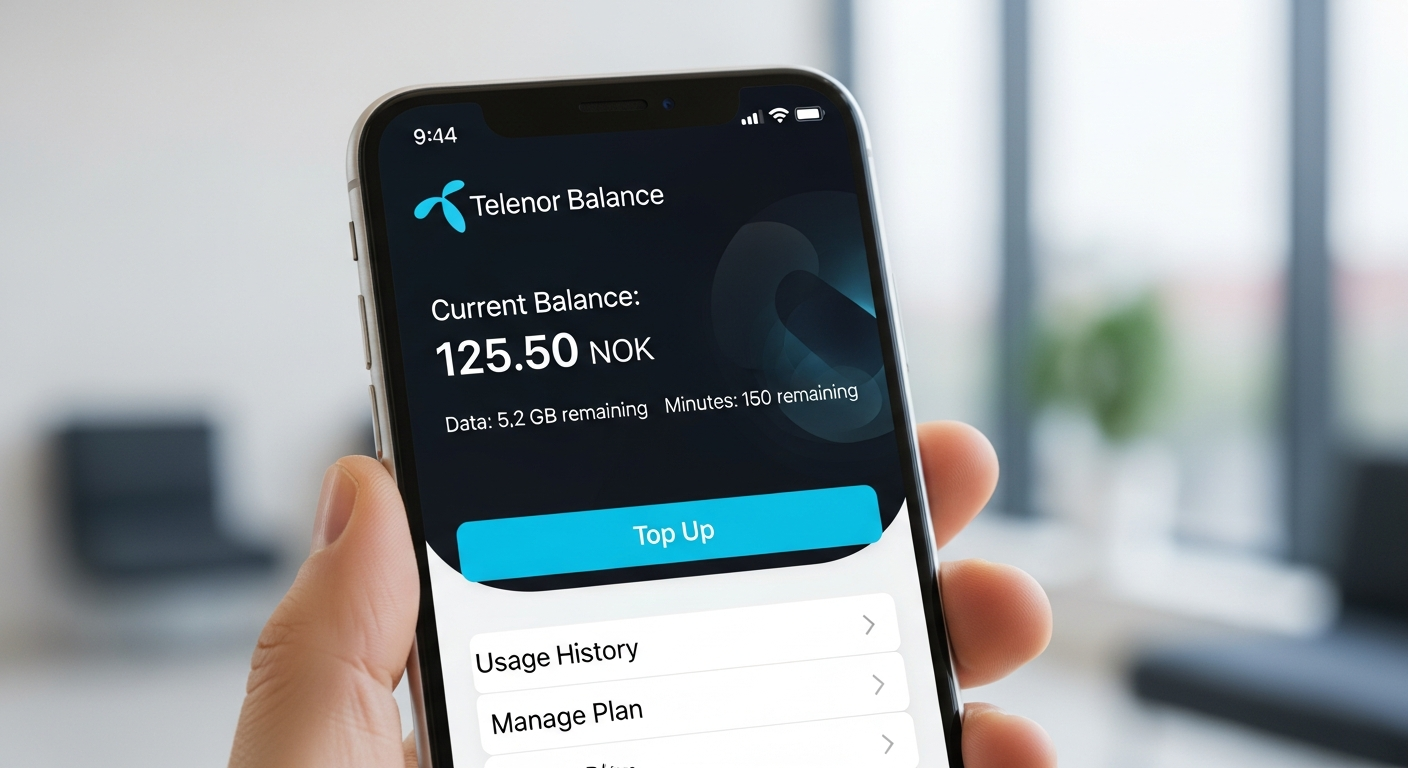
It is also necessary to know how to check Telenor balance to control your use of mobile and prevent unwanted deductions, and to monitor your credit, data, minutes, and SMS. Regardless of the prepaid/postpaid type of services, Telenor provides several means of tracking the available resources within a short period of time and conveniently. Whether it is a USSD-code-based or an app-based check, customers will have a choice of the most appropriate one available at any given place and at any time. This guide is a step-by-step guide on how to check the balance of Telenor so that you do not have to lose track of your mobile bills.
1. Check Telenor Balance using USSD Code
The quickest and most frequently used one is dialing the official balance check code of Telenor. The technique functions in every phone, even without the internet.
Step-by-step process:
- Dial 444# –Use the dialer on your phone and type in *444#.
- Click on balance- A menu will come up on your screen, select balance.
- View Details -You will immediately see your current balance (including credit, remaining data, call minutes, and SMS).
This is a fast and complication-free process, and it applies to all prepaid Telenor customers. This code is the most suitable one in case you would like to know how to check the balance in Telenor without using mobile data.
2. Check Telenor Balance through My Telenor App
The My Telenor App allows the user to choose the digital experience of keeping track of their account in a more detailed and interactive way.
How to use the app:
- Get the My Telenor App in the Google Play Store or the Apple App Store.
- You can log in with your Telenor number.
- Your remaining balance, data MBs, SMS, and minutes will be immediately shown on the home screen.
Packages, SIM recharge, and the activation of data bundles are also managed through the app. In case you favor shortcuts and deep information, this is a good way of learning the process of checking the balance in Telenor.
3. Check Telenor Balance through Customer Care
Telenor 24/7 Customer care: Telenor has customer care in case of problems with the USSD code or application.
How to contact:
- Call 345 on your telephone number.
- Instructions are automated, or call a representative.
You may demand the complete account information, such as the amount you have left, the packages you have purchased, and the recent deductions.
4. Check Telenor Balance through IVR
The other simple way of verifying how to check the balance in Telenor is through the IVR (interactive Voice Response) system.
- Dial star number 222 or dial 345 and listen to the recorded account information.
- Press the menu keys to phone your balance, internet MBs, and validity.
5. Balance Check by use of SMS alerts
Each time you recharge, Telenor automatically updates your balance, which is sent in the form of a confirmation SMS. It is not an active checking way, but it assists you in keeping track of your balance at the conclusion of every top-up.
READ: More Informative Content