Ali Raza Khan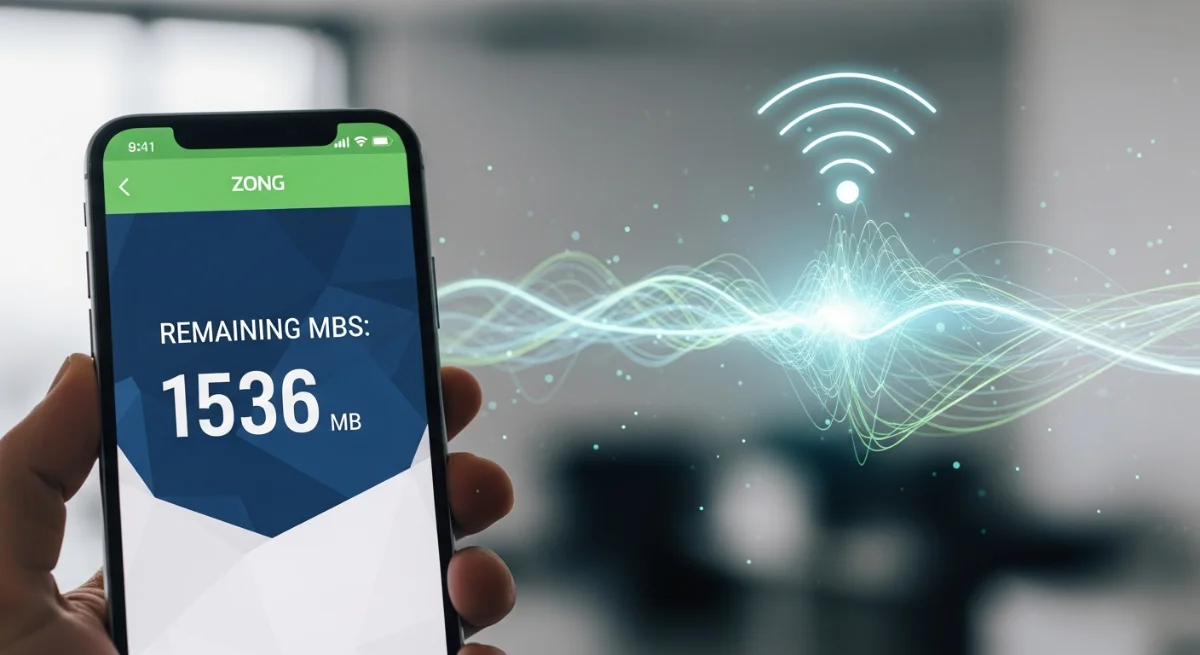
Monitoring your mobile data usage is relevant in today’s digital age, particularly to the user who requires constant connectivity. As a Zong customer, keeping track of internet usage will prevent unexpected data breakdowns or unnecessary additional fees. If you are either streaming, browsing, or on social media, then understanding how to check Zong remaining MBs is a prerequisite. Fortunately, Zong has various fast services such asUSSD codes, the official application, WhatsApp, and online account services. This manual provides you with all the possible methods to keep track of your balance of data on Zong so that you are always aware and connected easily.
5 Best ways to check Zong remaining MBs
The most reliable and easily available methods to monitor your internet data consumption at Zong will be listed below:
Check Zong Remaining MBs USSD Code
The quickest way is to dial a short code right into your phone:
- *Dial 102#
- Choose the internet data choice.
- Your remaining MBs and validity will be sent instantly to you via SMS.
The technique applies to all prepaid users, and it does not require mobile internet. It is the most prevalent solution for checking Zong data balance in a few seconds.
Zong Check Data Using My Zong App
Zong offers a convenient and intelligent application to keep track of all account-related aspects:
- Download My Zong App (Android/iOS).
- Log in with your Zong number
- Dashboard will show the remaining MBs, minutes, SMS, and expiry.
You can also subscribe to bundles, recharge your SIM, and view your usage history on the My Zong App, which is one of the best digital tools that Zong customers can get.
Review Zong MBs using WhatsApp Self-Service
Zong also has an easy customer support WhatsApp option:
- Save +923133107010 in contacts
- Send “Hi” on WhatsApp
- Click on the Data Usage menu.
You will get information on your Zong remaining MBs directly on WhatsApp, no codes or apps needed.
Zong Data Balance Online Check
The other easy alternative is to use the Zong site:
- Go to the Zong E-Care portal
- Sign in with your number
- See full usage status and bundle data.
This comes in handy particularly when you wish to have a comprehensive monitoring of your Zong data consumption in case of business or high-volume internet plans.
Through SMS Alerts from Zong
When you exceed some limits on the usage of data, Zong will automatically send you usage notification messages. These notifications will prevent running out of MBs in the middle of the night.
Extra pointers to control the use of Zong Data more effectively
- Turn on Data Saver on your phone.
- Switch off the background application update of social media.
- Large downloads and updates should be done using Wi-Fi.
- Use the My Zong App to track every day.
These tips can be followed so that your Zong data has a long life span within the month.
It is necessary that every Zong user knows how to check their remaining MBs. You can always know your data balance through various convenient means: USSD code, My Zong App, WhatsApp, and the online portal. You need not be a prepaid or postpaid user, but these solutions can keep you in total control of your internet usage and prevent any interruptions. Keep in touch, keep updated, and get maximum out of your Zong data bundles!