Ali Raza Khan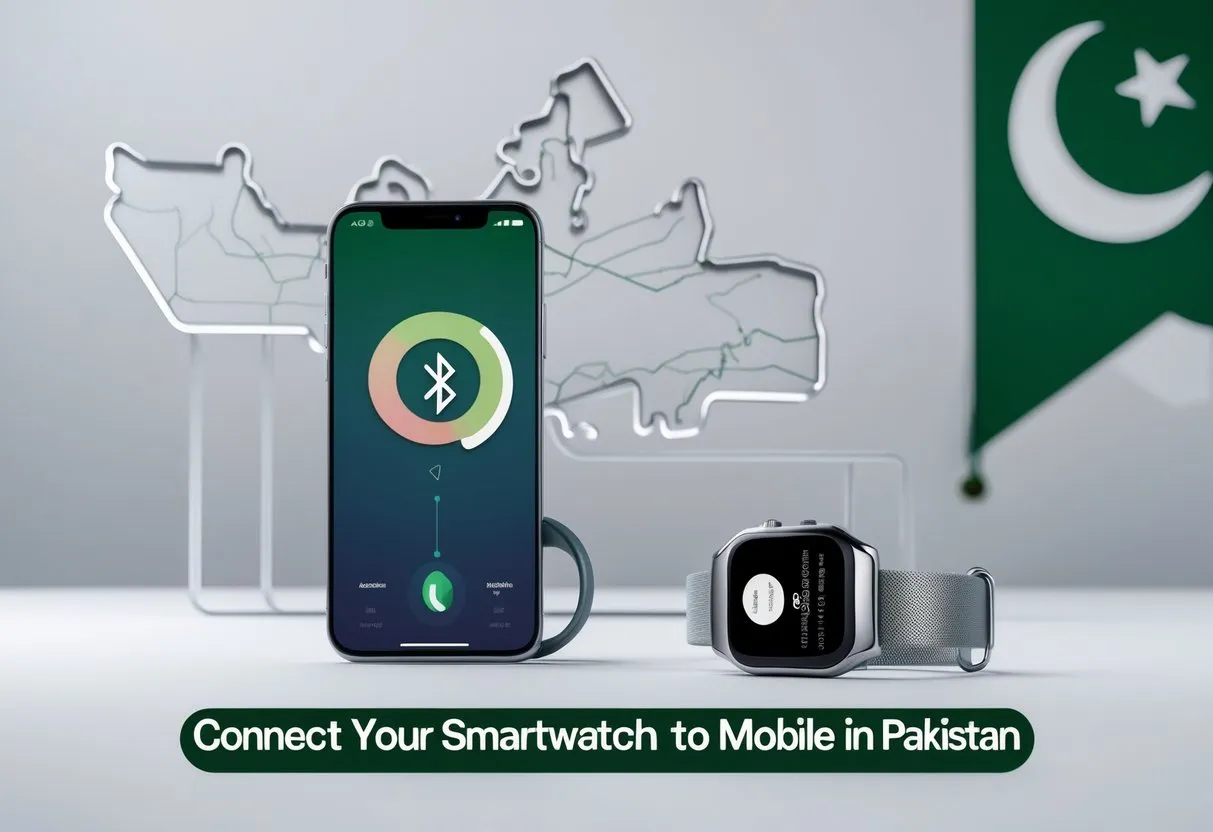
How to Connect Your Smartwatch to Mobile in Pakistan
Nowadays, smart watches are a trendy device in Pakistan, as they allow their users to keep in touch with others, follow their fitness, and perform their day-to-day chores comfortably. Regardless of whether you have a Samsung, Huawei, Xiaomi, or Apple smartwatch, it is straightforward to pair it with a smartphone if you take the correct steps. This will be a full-fledged guide on how to connect your smartwatch to mobile in Pakistan and begin enjoying the features. I
Step 1: Check Compatibility
You should ensure that your smartwatch is compatible with your mobile device before you begin to use it. Android smartwatches are compatible with Android phones that have Android 6.0 or later, but Apple Watches can be used only with an iOS phone with iOS 10 or later. To get the most out of it, make sure you are using the latest version of the software in both your phone and smartwatch.
Step 2: Install the App needed
Every smartwatch brand has its companion app. For example:
- Samsung Galaxy Watch: Galaxy Wearable application.
- Huawei Watch: Huawei Health app.
- Xiaomi Watch: Mi Fit or Zepp Life Application.
- Apple Watch: Apple Watch app (is installed on iPhones by default).
For your smartwatch, download the corresponding app from the Google Play Store or Apple App Store.
Step 3: Turn on Bluetooth and Pair
Turn on Bluetooth in your smartwatch or phone. Launch the companion application, and it will then scan the surrounding devices. Tap after watching the watch name in order to initiate pairing. You can be asked to check a code that is shown on both screens. The devices will automatically be connected in case of confirmation.
Step 4: Approve and Reproduce Data
The application will request permission for notifications, location, and contacts to ensure that the usage of the smartwatch is complete. Enable such permissions to be coordinated to get such data as messages, calls, and health tracking statistics. After being synced, you can get notifications, see progress, and control music directly on your wrist.
Final Tips
Always have Bluetooth on and your smart watch fully charged, and you are good to go. Should some problems occur, restart the devices or re-pair them with the help of the app.
These easy steps will help you easily get your smartwatch to be linked with your mobile phone and live a better connected life in Pakistan.